Your account and the trial
What your account is, where the app shows it, and what the word Trial means.
On this page
Your account
Your account is the email address you sign in with. The first time you sign in with an address, the app creates the account. There is no password: each sign-in uses a new 8-digit code sent to that address.
On the main screen, your email is at the top left. The three dots beside it open the menu with Assistants, Archived hats, Sound and celebration, Guide and Sign out. Assistants shows the assistants on your computer. Sound and celebration turns the sounds and confetti on or off.
To use another email address, sign out and sign in with the other address. That is a separate account.
The trial
A new account starts on a trial. The app shows the word Trial on the welcome step and under your email on the main screen.
The app does not show how many days of the trial are left.
When the trial ends
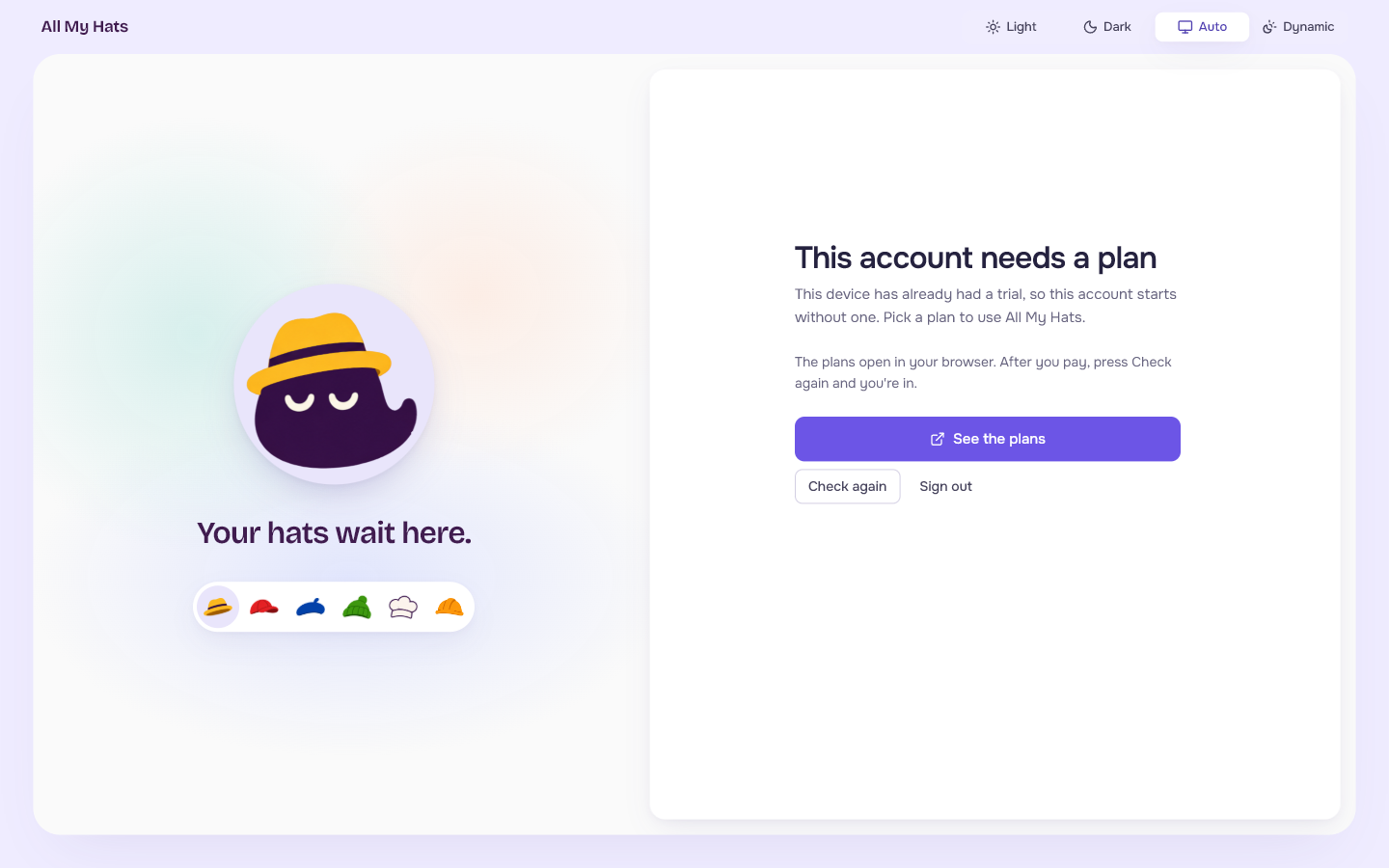
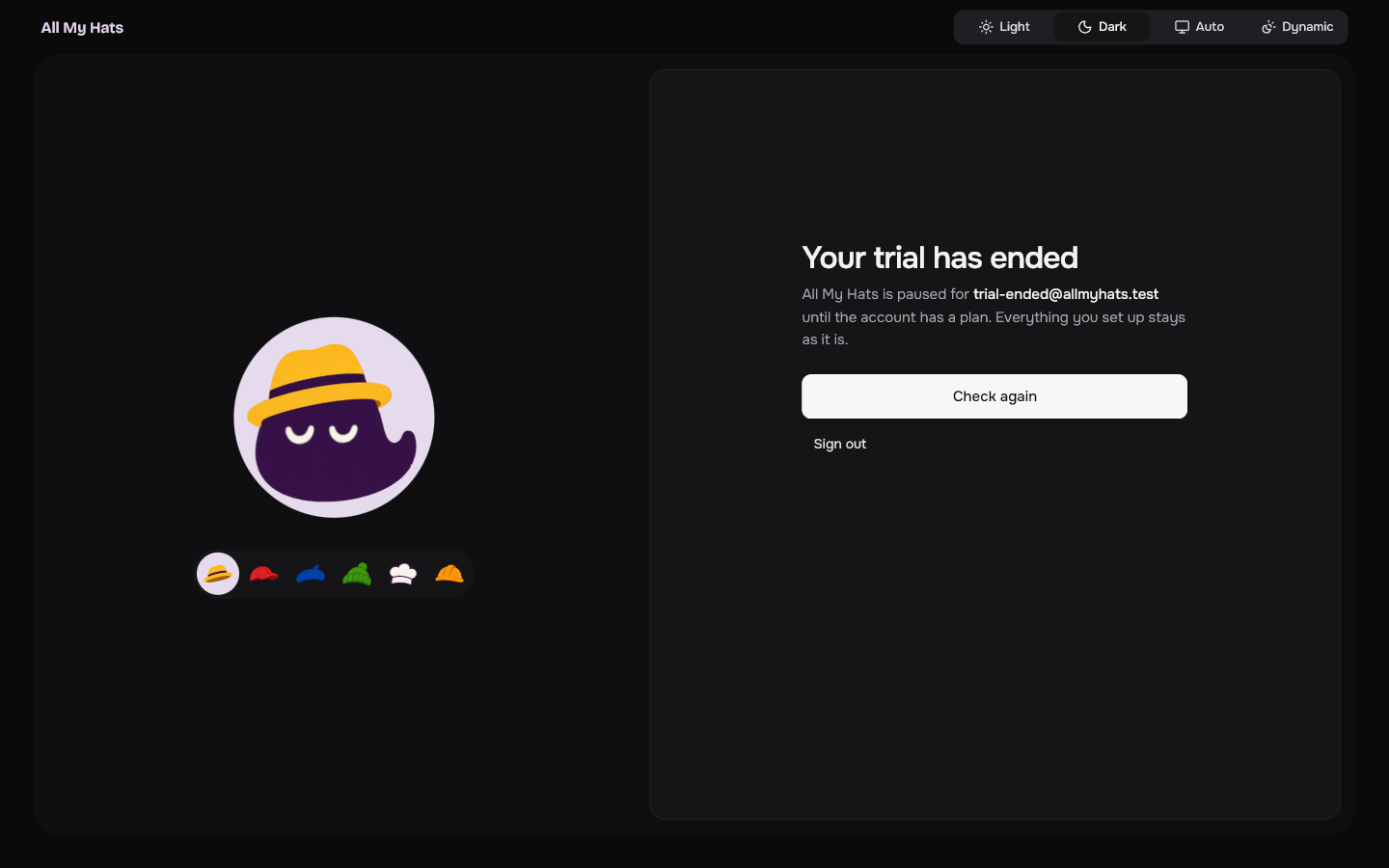
The app shows Your trial has ended and pauses for your account. Nothing you set up is removed.
 Enlarge
 Enlarge
See the plans opens the plans page in your browser. After you pay, Check again asks whether the account has a plan now and lets you in. Sign out returns you to the sign-in screen. See The app is paused.