Stop an answer, or pick a conversation back up
Press Stop to end an answer early. After you close and reopen the app, your conversations are still there, and the app asks before it starts an assistant again.
On this page
Stop an answer
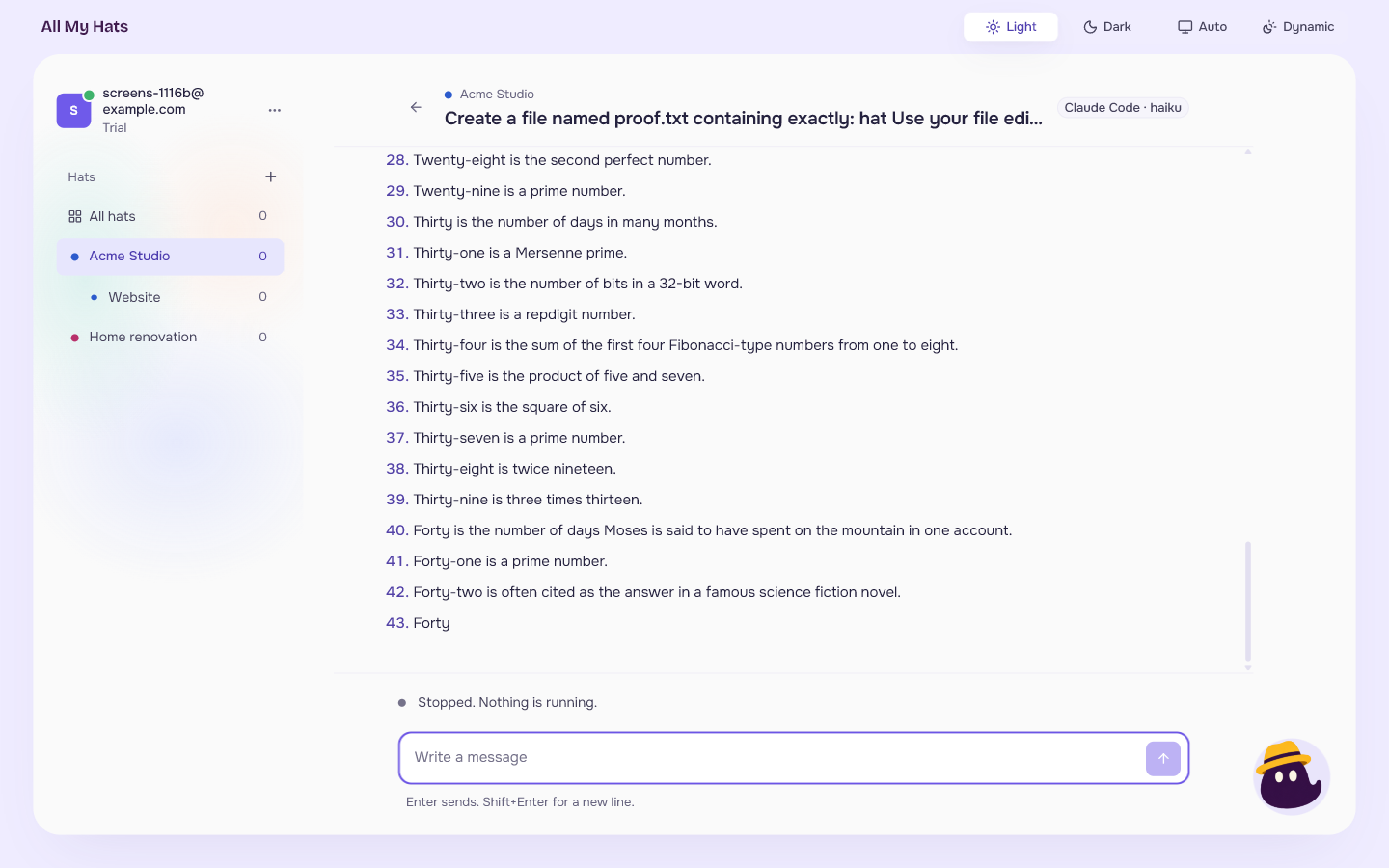
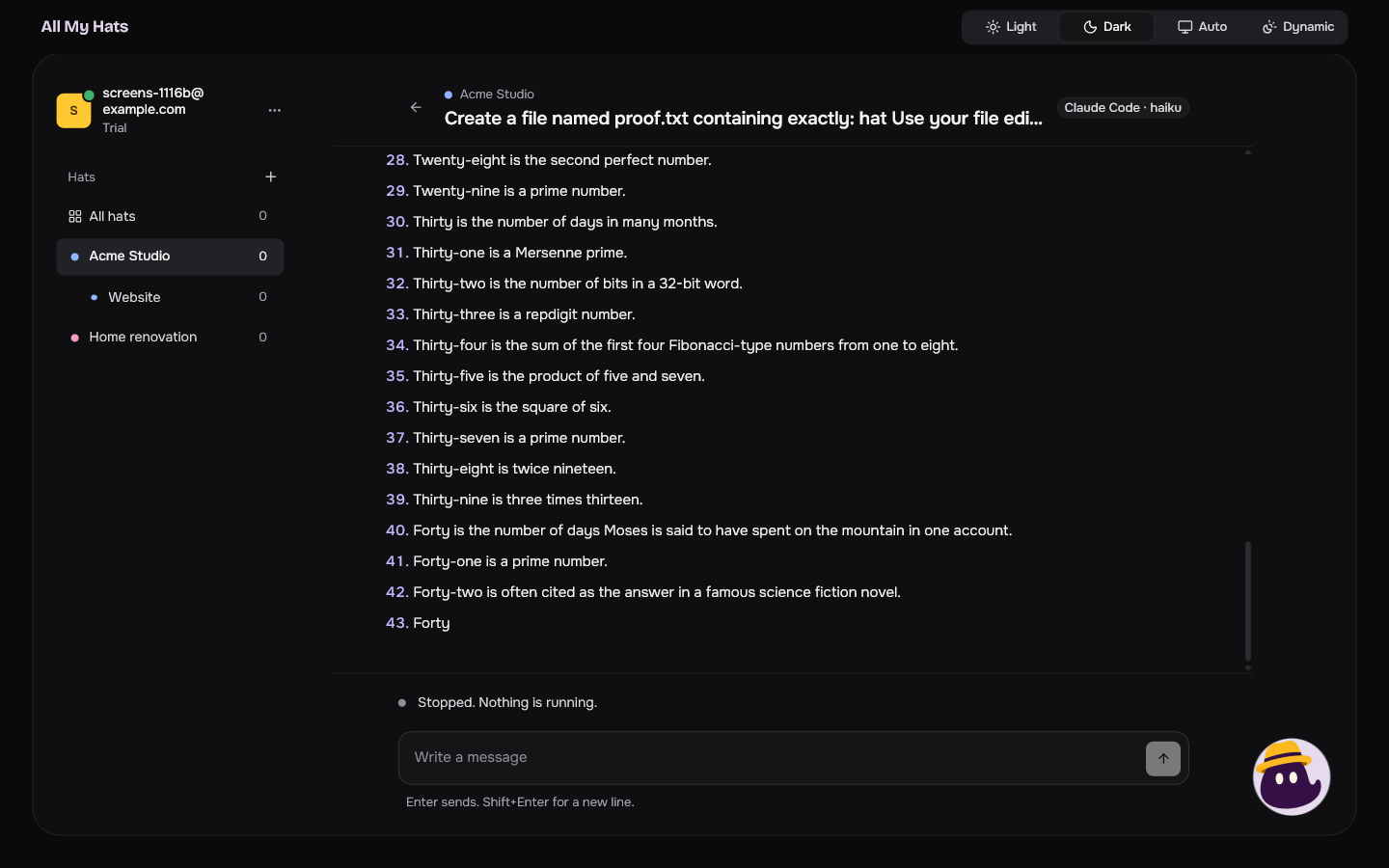
While an answer is on its way, Stop sits beside the message field. Press it. The text that arrived stays as it was, and the line above the field says "Stopped. Nothing is running." Send a new message when you want to go on.
 Enlarge
 Enlarge
Your conversations are kept
Conversations are kept on your computer. Close the app and open it again, and each conversation is still under its hat, with its messages, its answers and the lines about what was done.
If the app closed while an answer was arriving, the conversation shows your message with the start of the answer under it. The note under your message says "Cut off when the app closed", and the line above the field says "The answer was cut off when the app closed. Send a message to go on."
A note under one of your messages says what became of it:
| The note says | It means |
|---|---|
| Waiting to be sent | The message waits for the answer in progress to end. |
| Stopped before it was answered | You pressed Stop before any answer came. |
| Cut off when the app closed | The app closed while the message was being answered. |
| Not answered | The message failed and got no answer. |
Pick a conversation back up
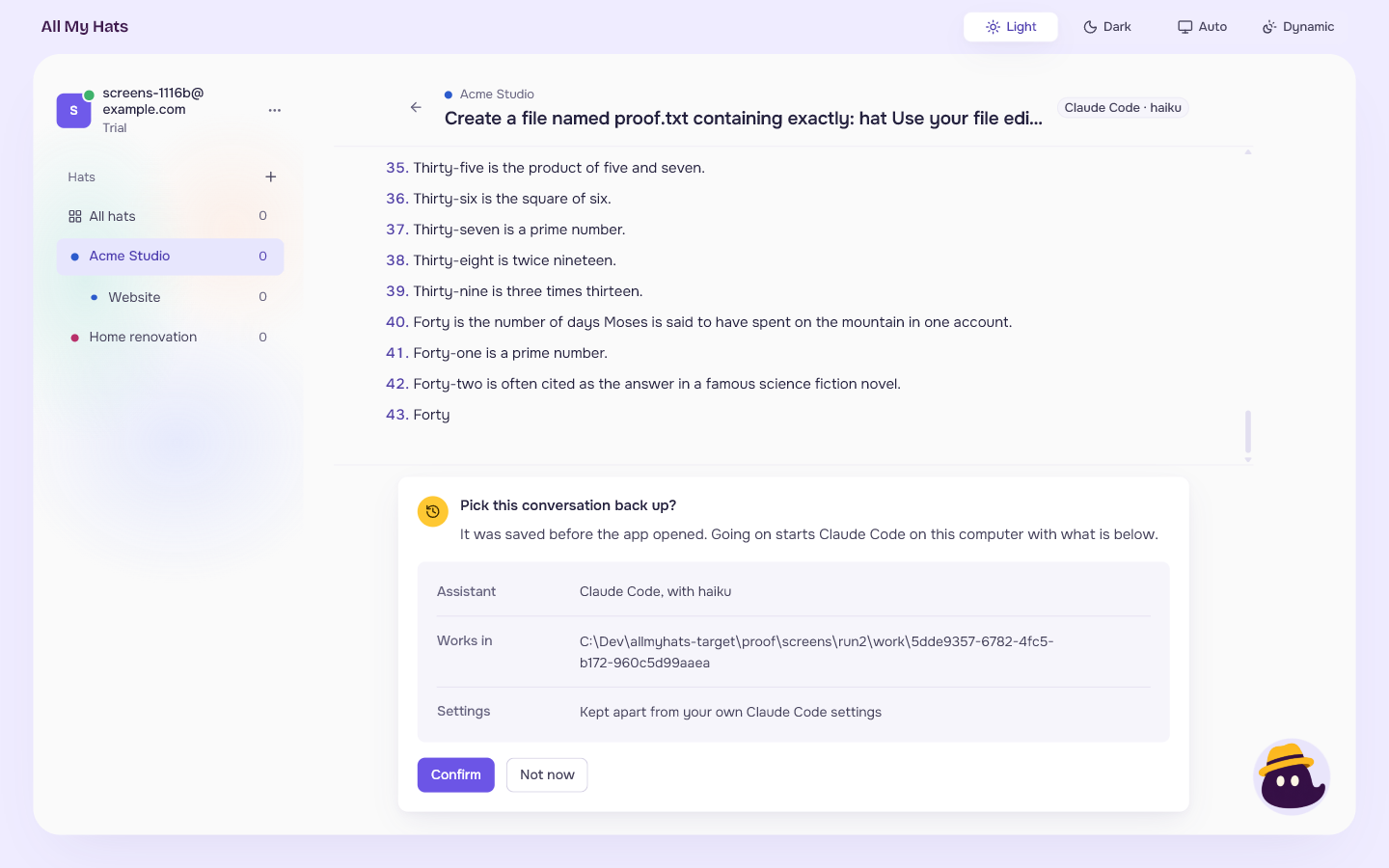
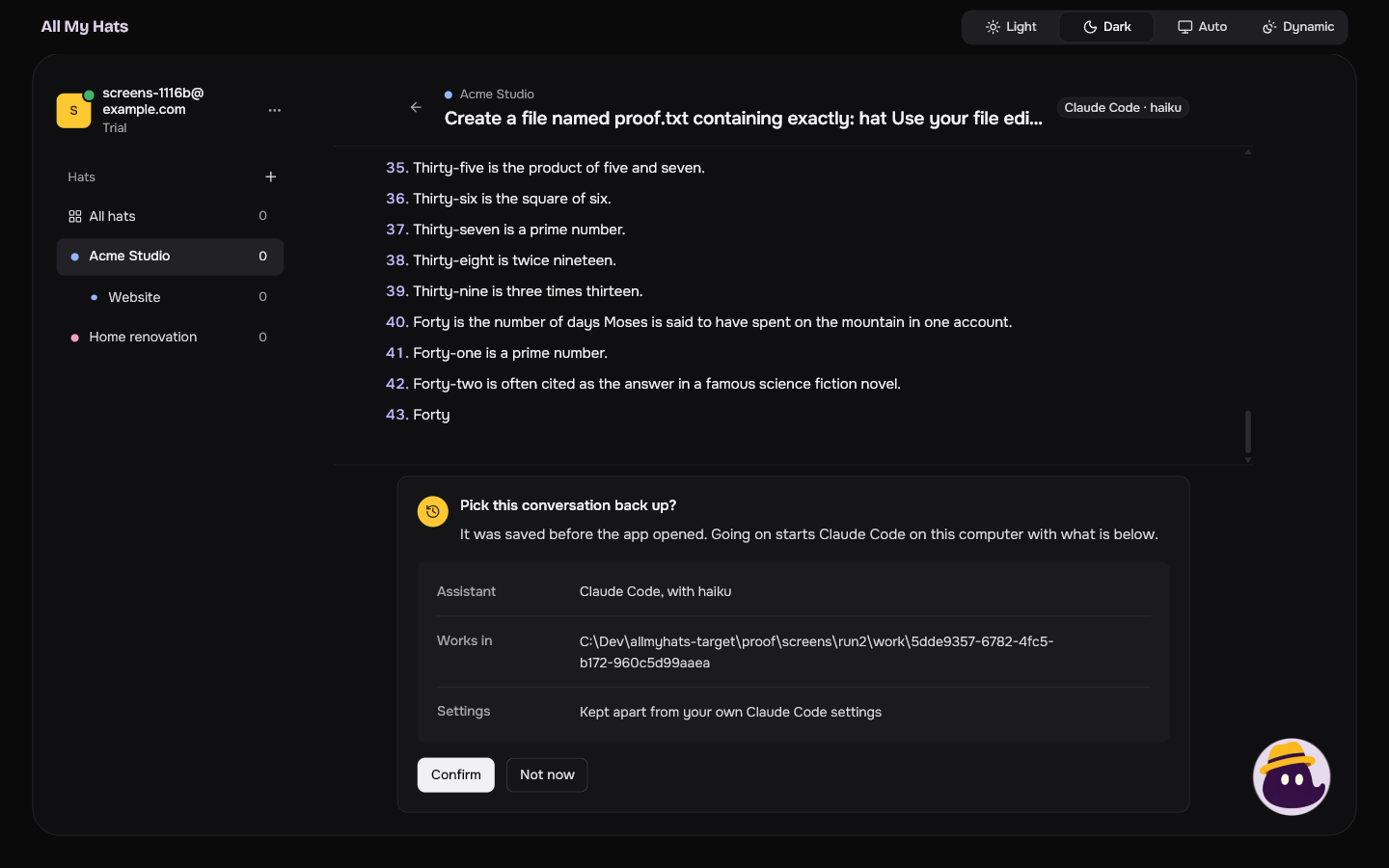
When you open a conversation after the app was closed, no assistant is running. The app asks before it starts one. Instead of the message field, you see Pick this conversation back up?, with:
- Assistant: which assistant, and the model if one was chosen.
- Works in: the folder the assistant works in.
- Settings: how the assistant is set up for this conversation. For Claude Code and OpenCode it reads "Kept apart from your own" followed by the assistant's name and "settings". For Codex it reads "Kept apart from what this folder sets up. Your own Codex settings file and skills still load."
 Enlarge
 Enlarge
Press Confirm to start the assistant and go on. Press Not now to go back to the list. Nothing starts until you press Confirm. After Confirm, the message field appears and the conversation goes on from where it was.
Sometimes the line above the field says, for example, "Claude Code is not running. Your next message starts it." Nothing is running yet, and sending a message starts the assistant.
A conversation that is only here to read
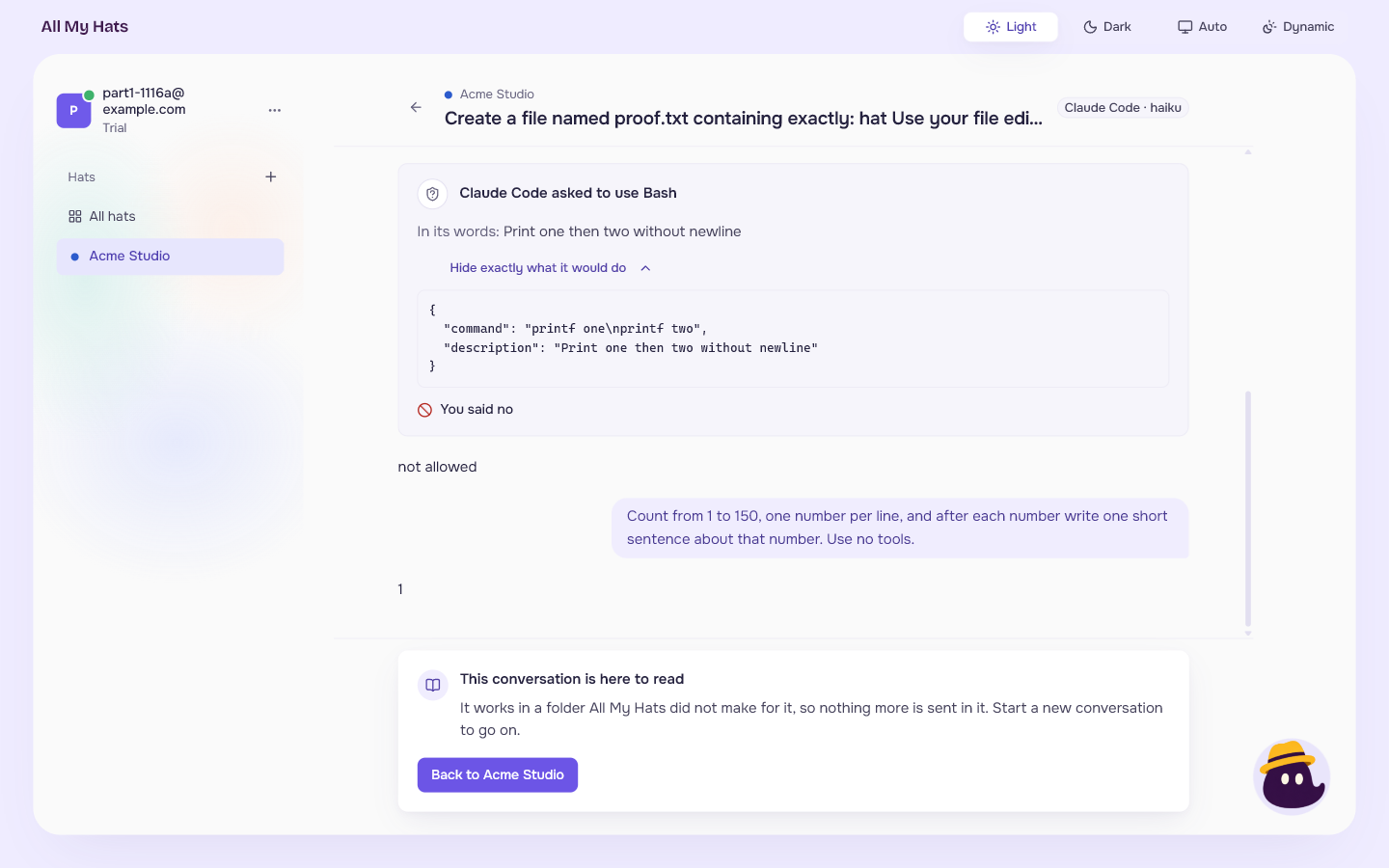
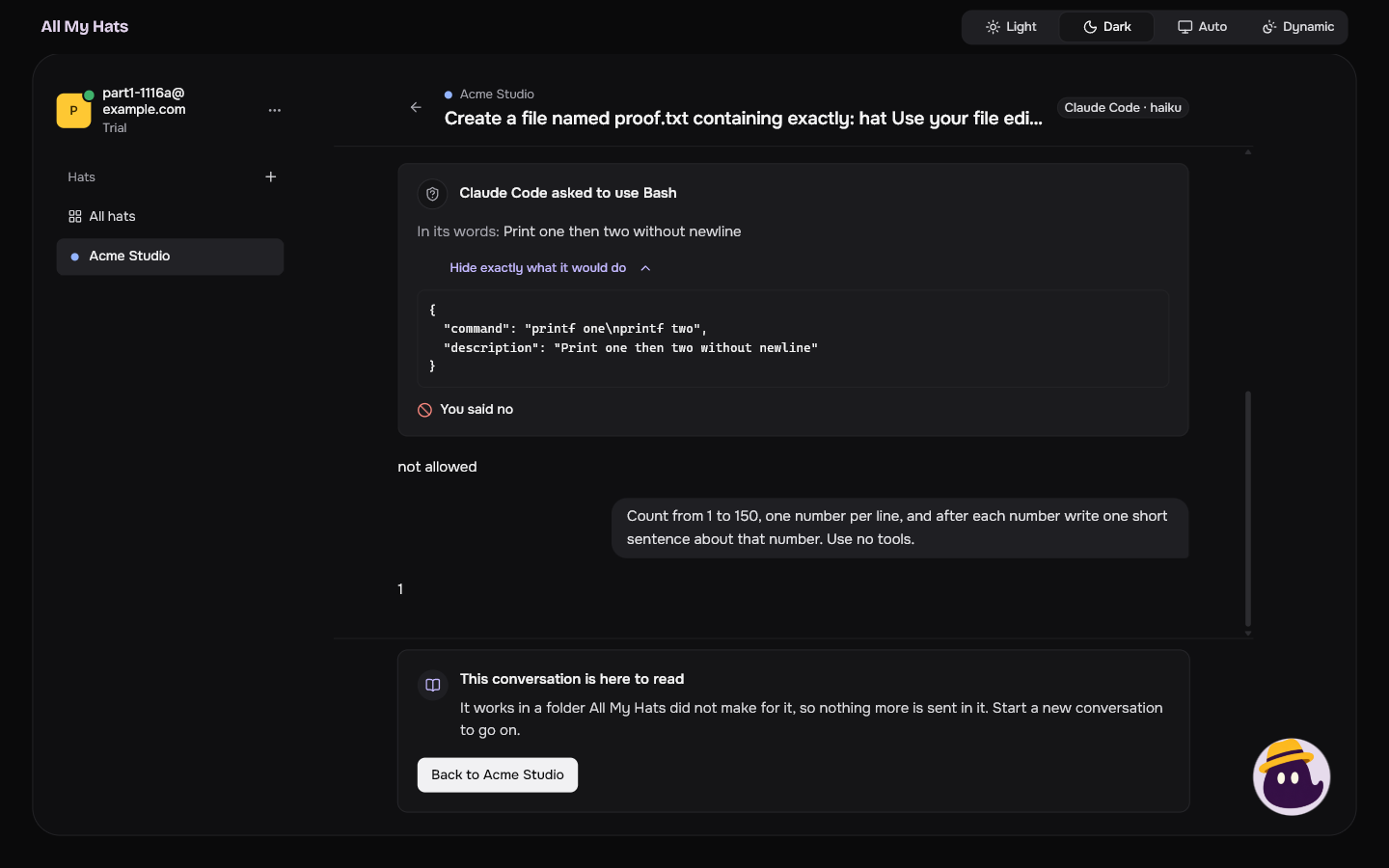
A conversation that works in a folder All My Hats did not make for it cannot be continued. The app says "This conversation is here to read" and "It works in a folder All My Hats did not make for it, so nothing more is sent in it. Start a new conversation to go on." You can read everything in it. The button takes you back to the hat.
 Enlarge
 Enlarge