On this page
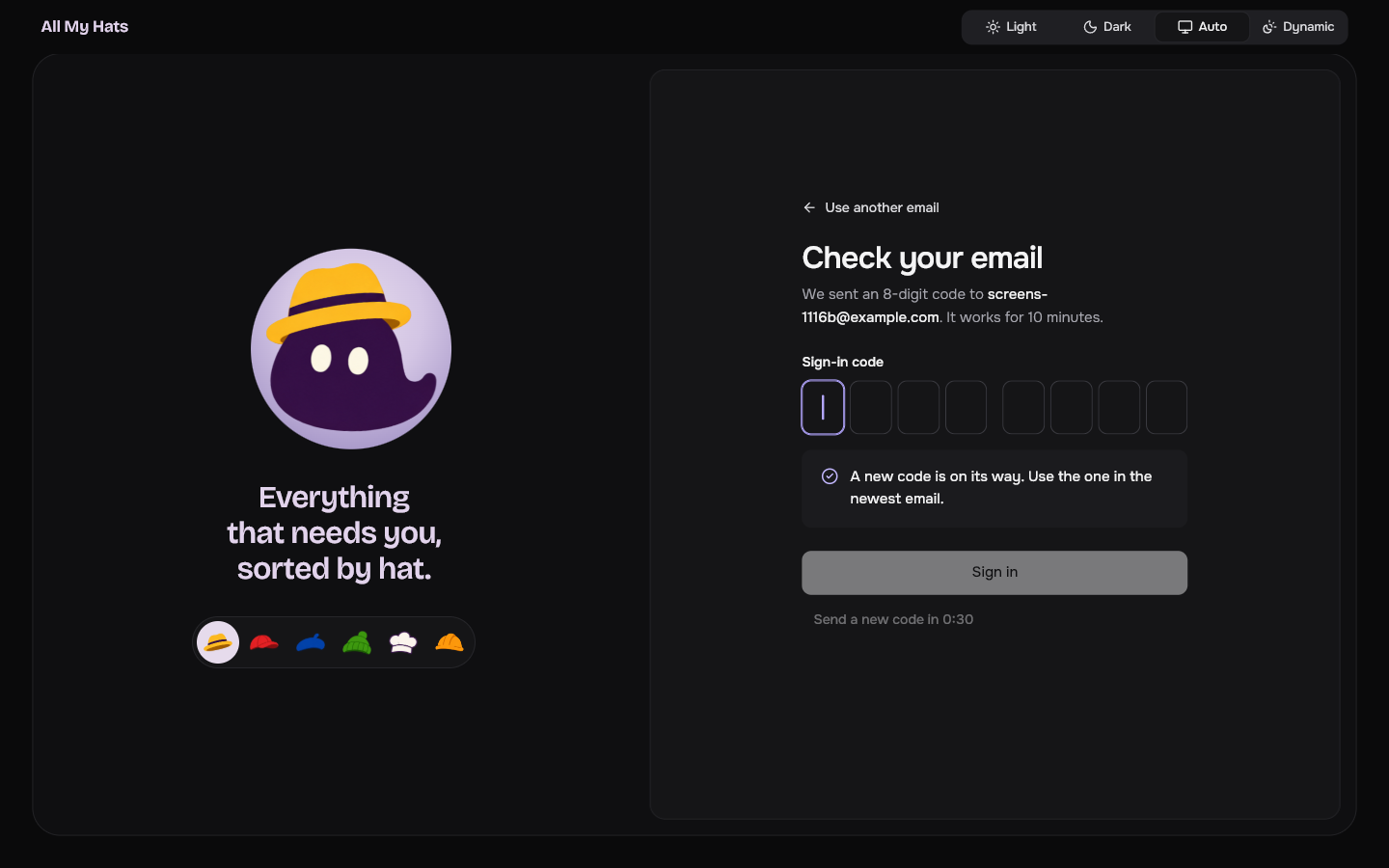
Brim can wear a fedora, a cap, a beret, a beanie, a toque or a hard hat.
 Enlarge
Change the hat
- Open a screen that shows Brim on the left: the sign-in screen, or one of the screens that pause the app.
- Click a hat in the row under Brim.
Brim puts the hat on right away and keeps it on the main screen.
The main screen has no row of hats. To change the hat while you are signed in, sign out first, pick a hat, then sign in again.
Where the choice is kept
The app remembers the hat on this computer. It is not part of your account, so another computer keeps its own choice.
This hat is decoration. The hats that sort your work are a different thing, explained in Hats.