Sign in
Sign in with your email and an 8-digit code. The first sign-in creates your account.
On this page
There is no password. Each time you sign in, the app emails you a new 8-digit code.
Sign in with a code
- Open All My Hats. The sign-in screen says "We'll email you an 8-digit code. No password to remember." and asks for your email.
- Type your email address and press Email me a code.
- Open your email and find the 8-digit code. It works for 10 minutes.
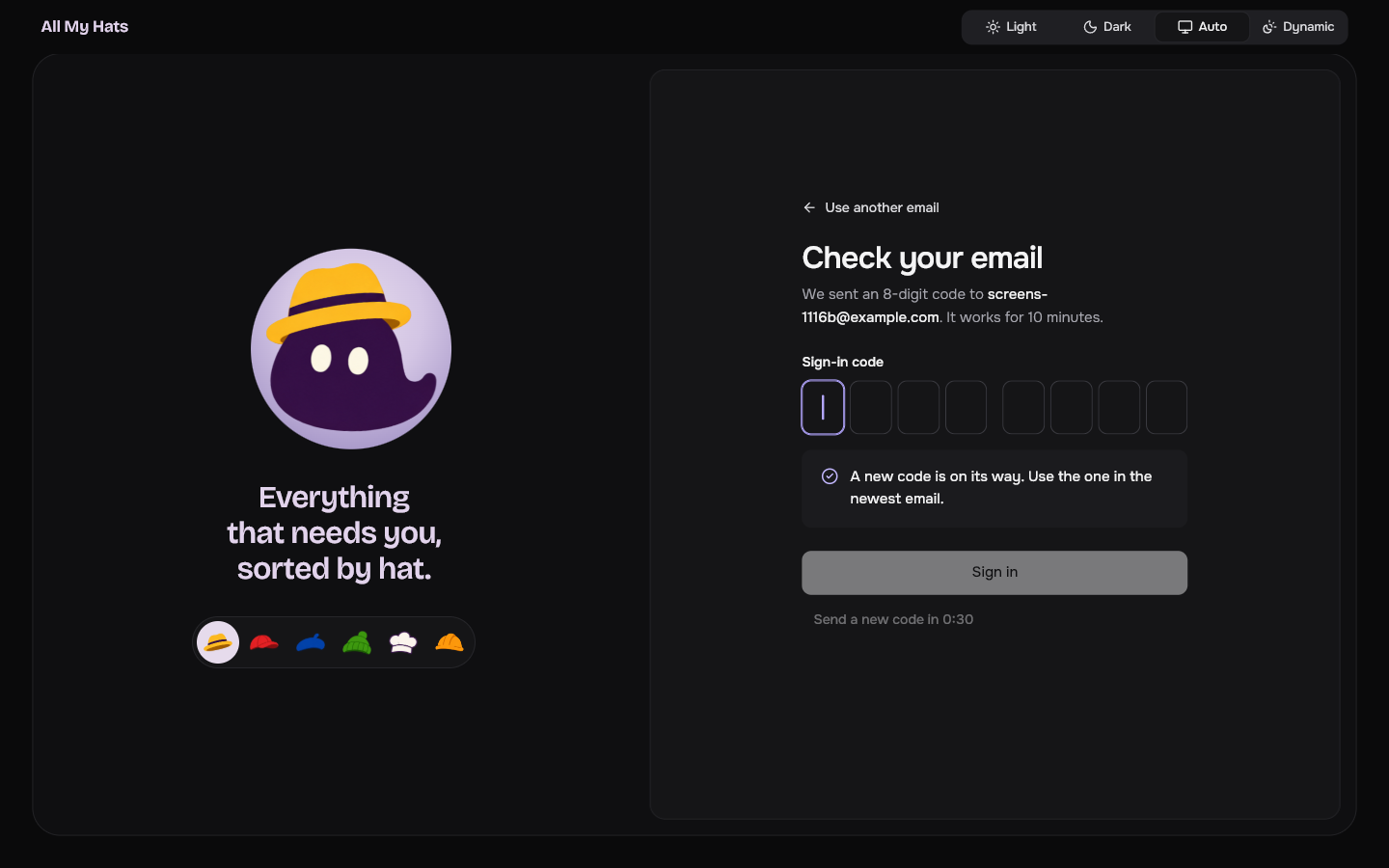
- Type the code into the boxes, which come in two groups of four. The app signs you in as soon as you type the eighth digit. You can also paste the code, with or without the space in the middle.
 Enlarge
The first time you sign in with an address, the app creates your account. There is nothing else to fill in.
If the code does not arrive
After the app sends a code, Send a new code counts down from 0:30 and cannot be pressed until the count reaches zero. Then press it. The app says "A new code is on its way. Use the one in the newest email." A new code replaces the one before it, so use the newest email.
If you typed the wrong address, press Use another email to go back. If you then type the same address again before the count ends, the app takes you straight back to the code step without sending a second email.
After the code
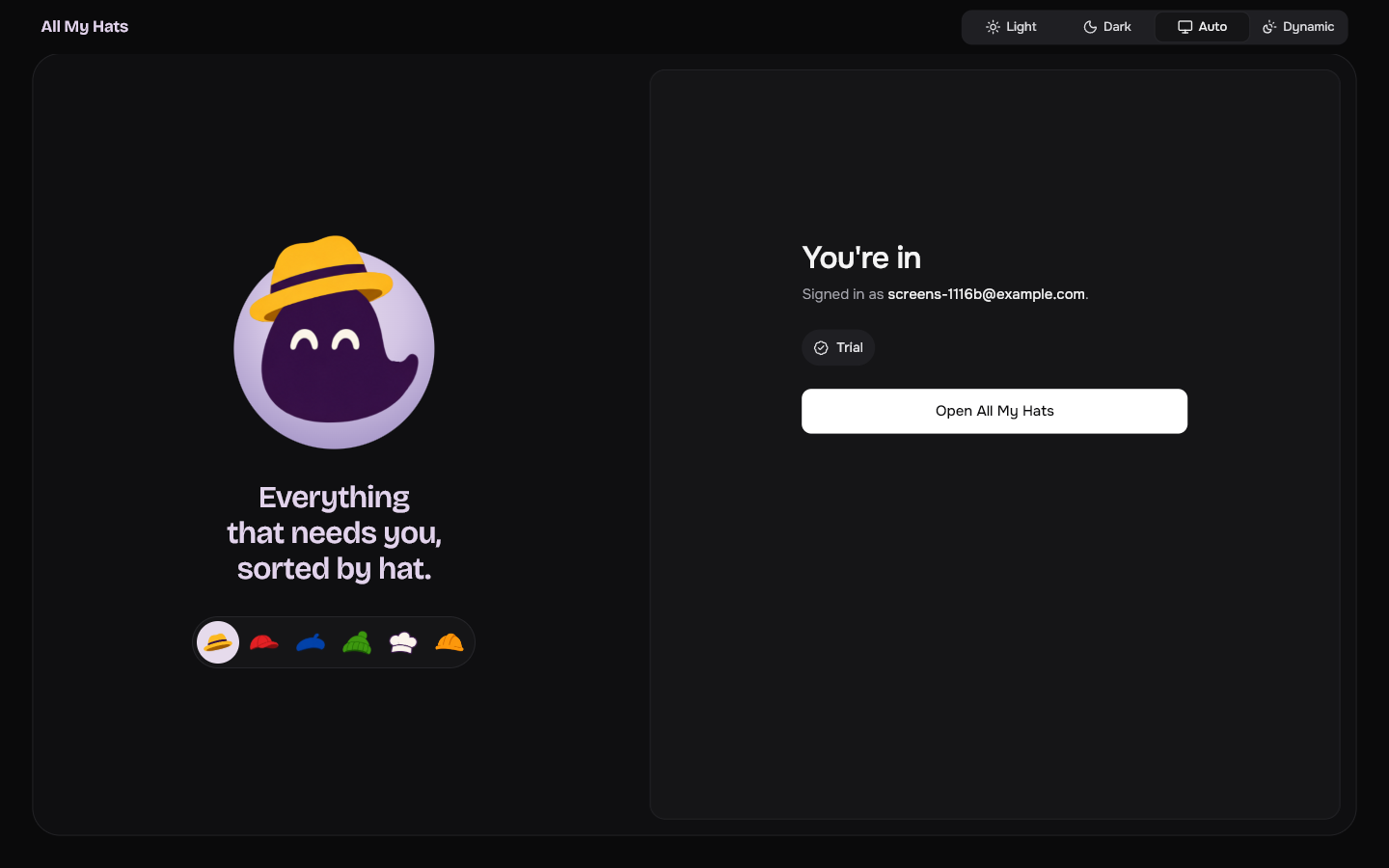
The app shows You're in, with your email and the word Trial. Press Open All My Hats, or wait a moment and the app opens by itself.
 Enlarge
If the app shows Choose a device to replace instead, your account is already signed in on two computers. Devices explains what to do.
The first time, the app opens the guide instead of the main screen. It helps you make your first hats, check your assistants and add a first item.
The next time you open the app
You stay signed in on this computer. When the app opens, it shows Opening All My Hats with the line "Checking your plan." for a moment, then the main screen.
If the app stays on a screen about your plan, see The app is paused.
For a code that does not work, see Sign-in problems.